
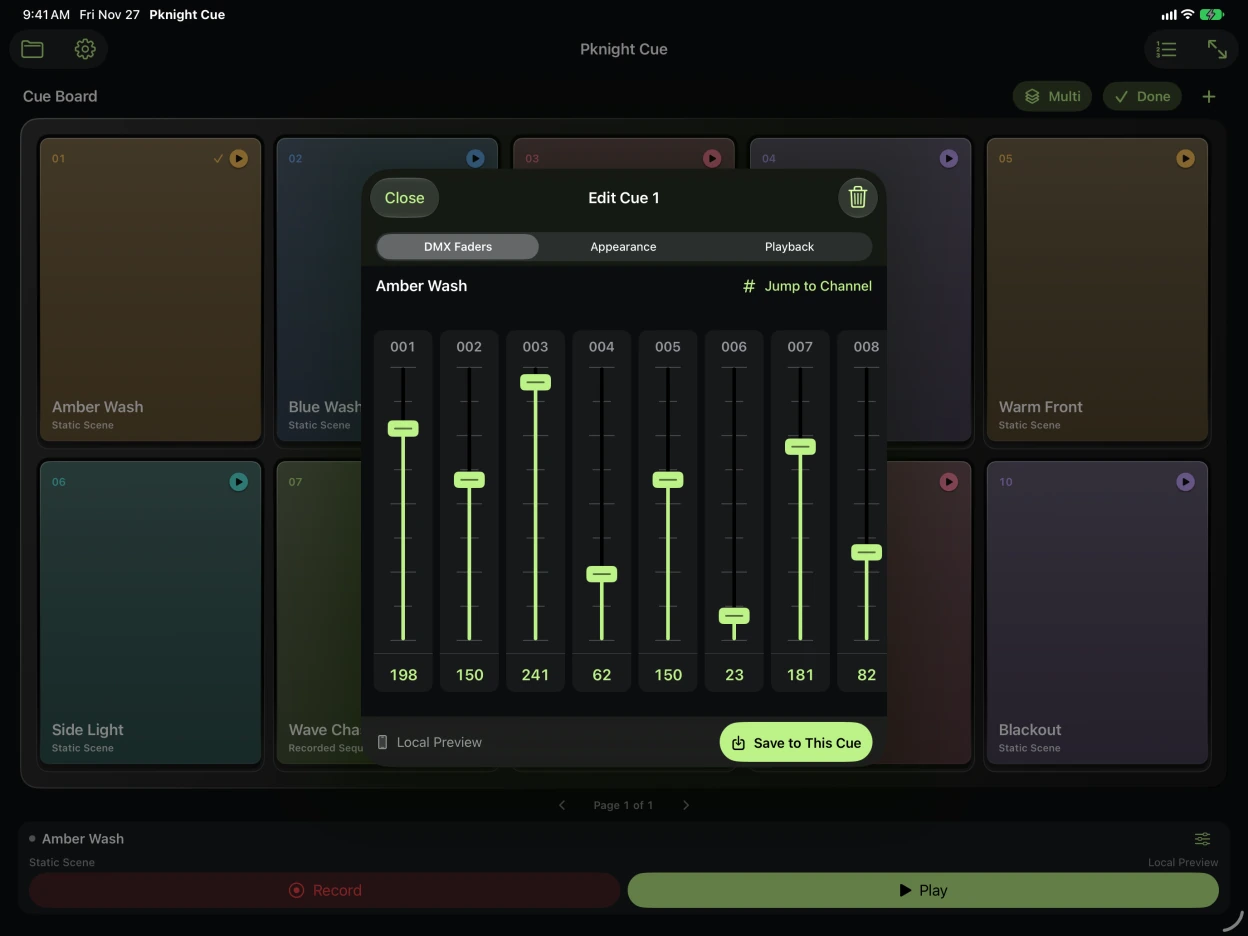
Build a look
Work in one DMX universe. Set dimmers, colors and other fixture channels with 512 faders, then save the levels to a pad with a name, a color or your own artwork.
Pknight Cue
Build a scene with DMX faders or record a change from your console. Save it to a pad on your iPhone or iPad, then tap it when the show calls for it.
iPhone · iPad · Art-Net / sACN
Work in one DMX universe. Set dimmers, colors and other fixture channels with 512 faders, then save the levels to a pad with a name, a color or your own artwork.
Capture a single look or a timed sequence from an Art-Net or sACN console. The first matching frame starts the take, so the recording keeps the console’s timing.
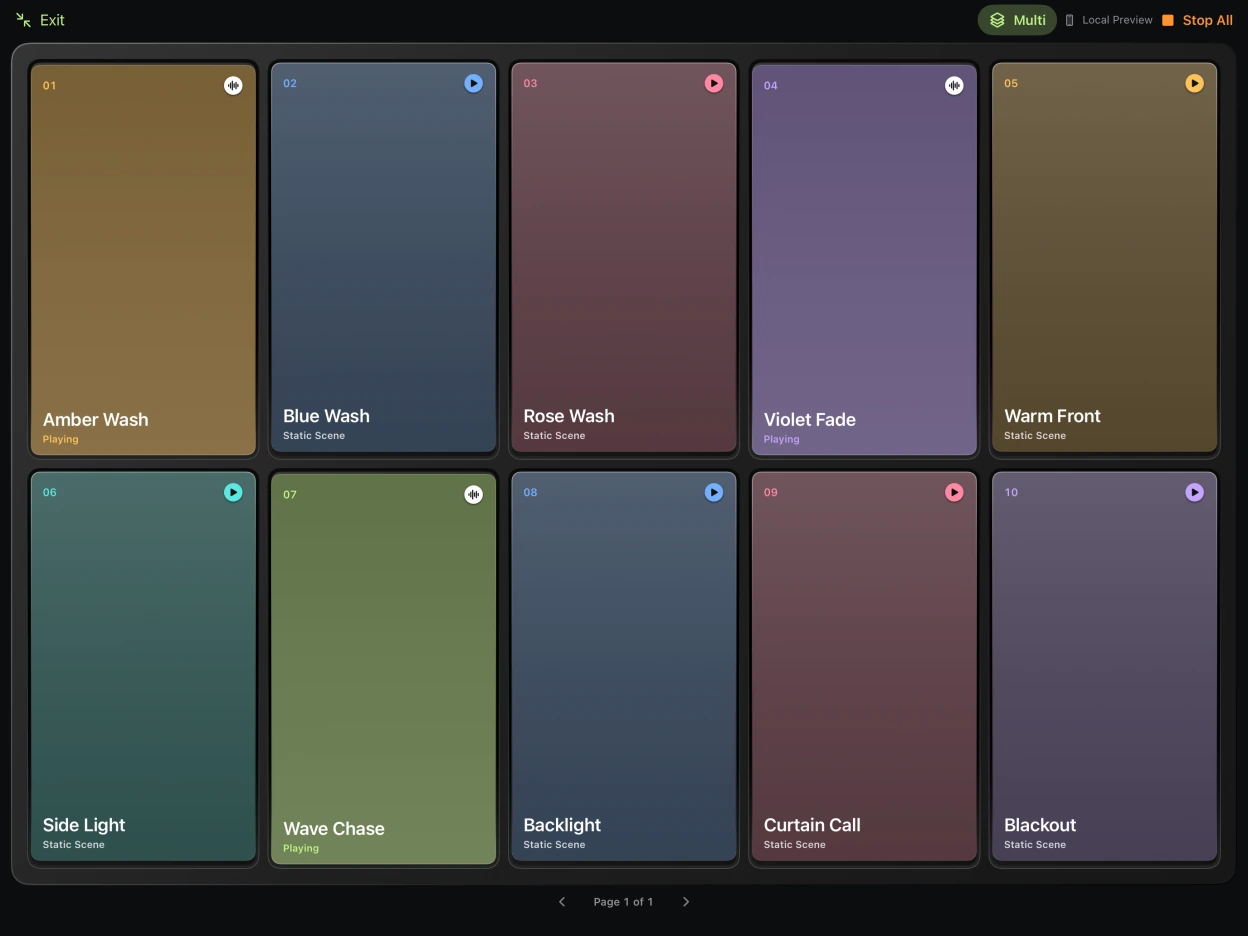
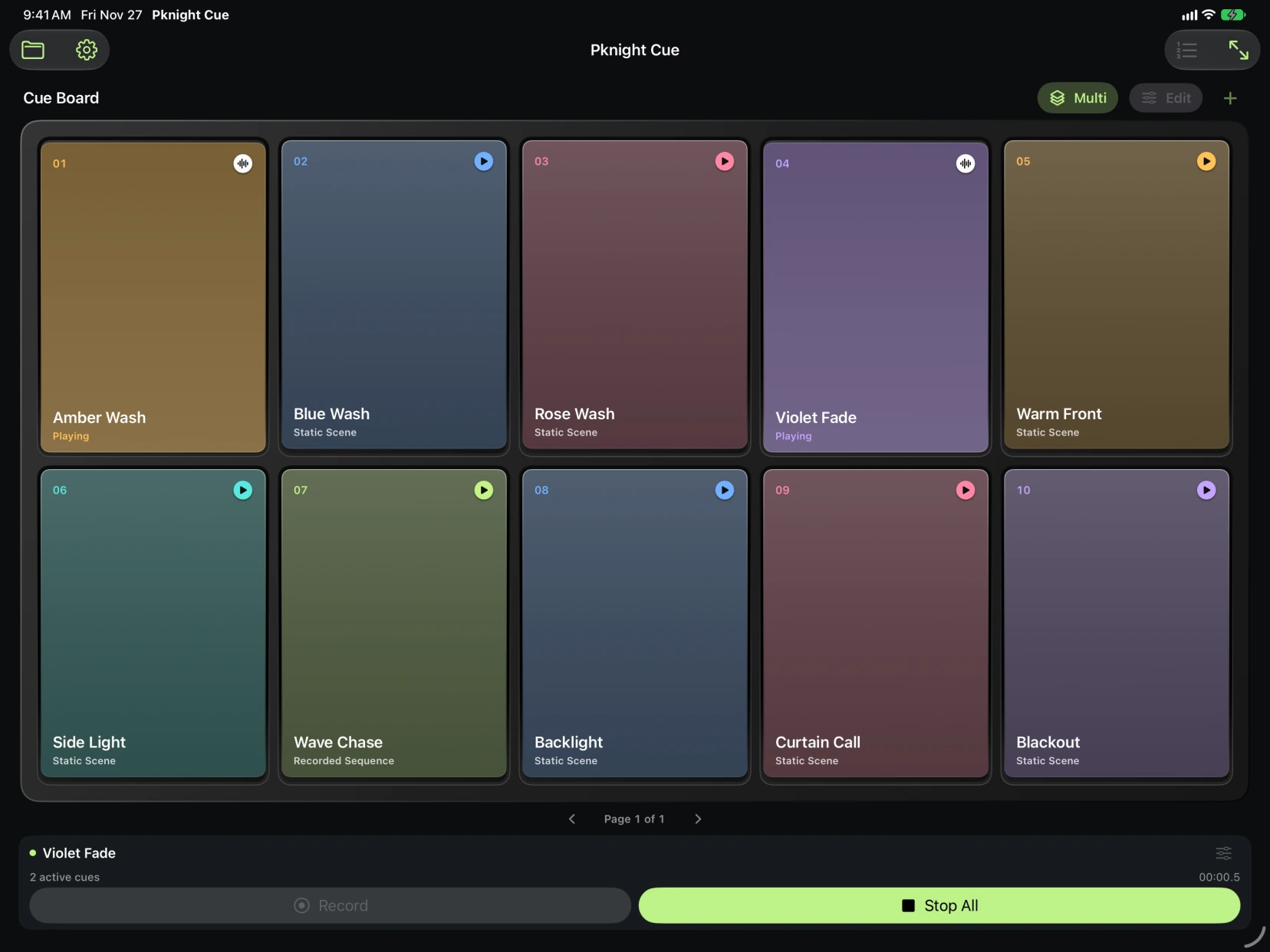
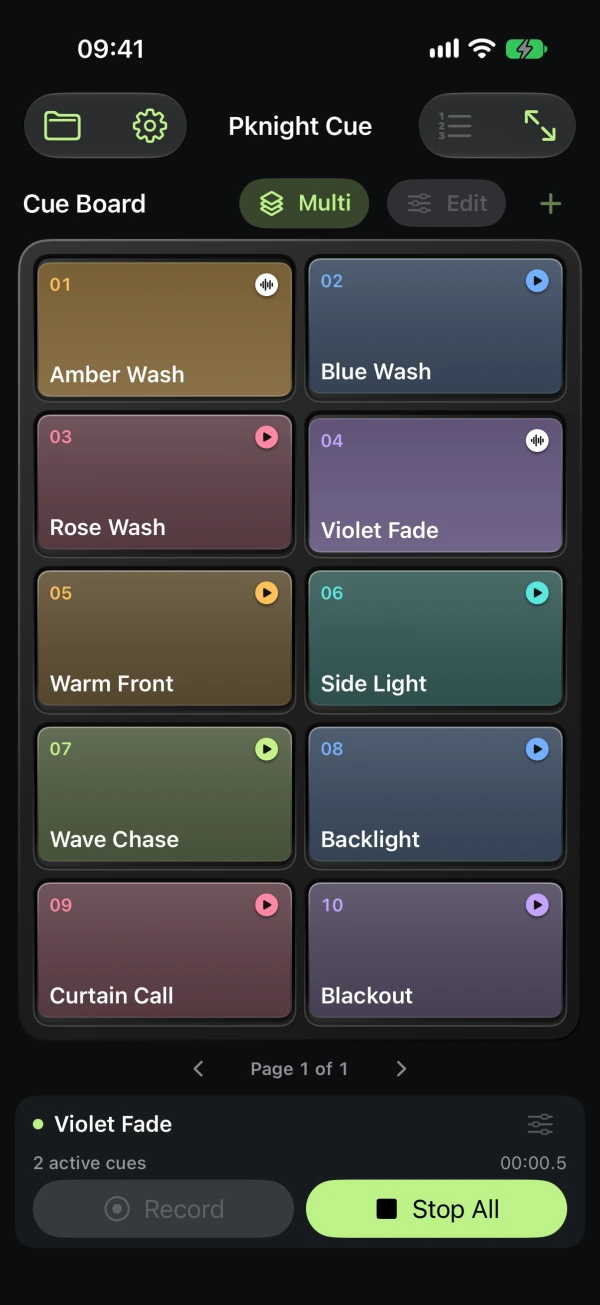
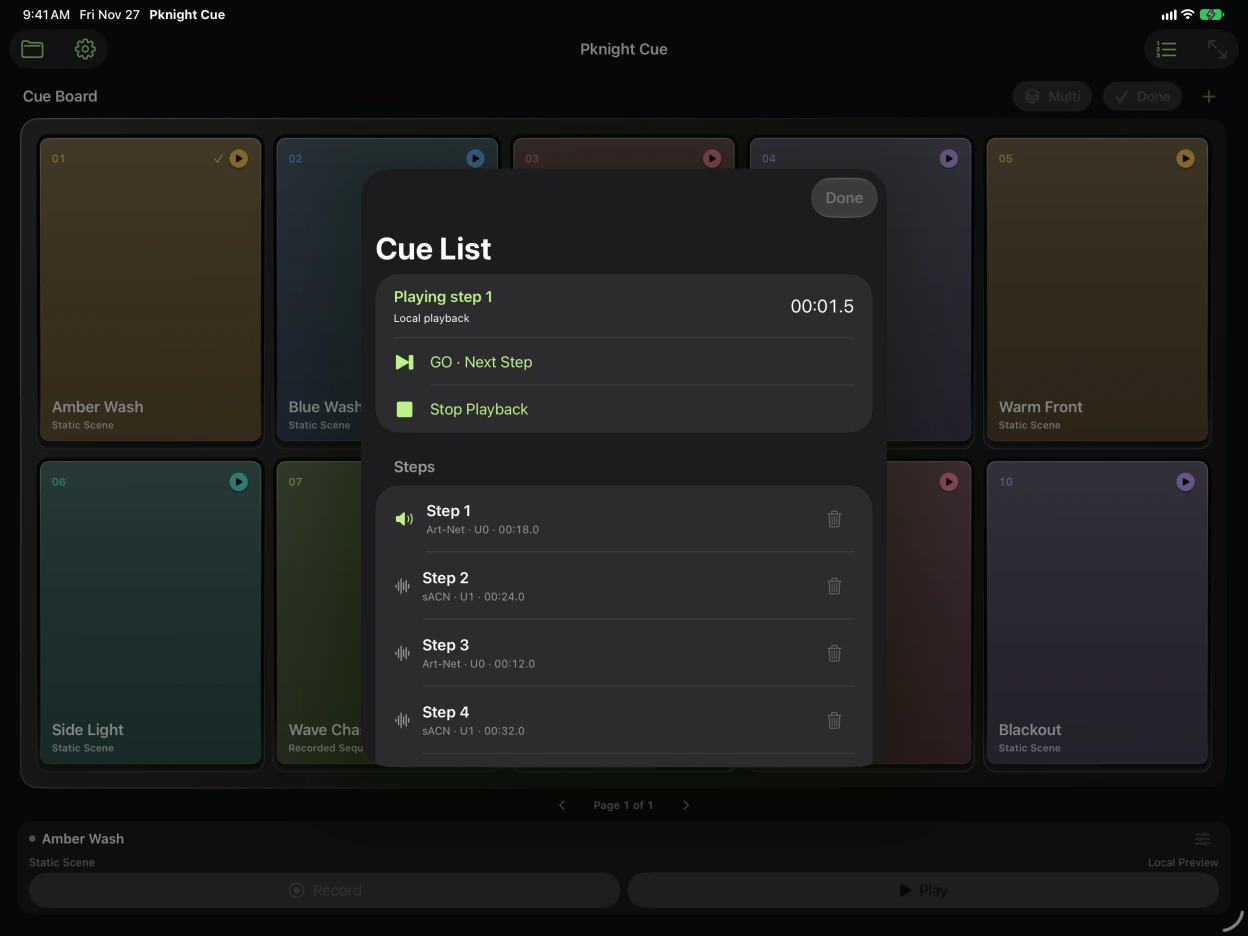
Tap a pad to play one cue, layer several in Multi mode, or follow a Cue List and use GO to advance to the next step.
Watch a cue change on the iPad and see the connected light respond. This setup sends Art-Net over the local network to a Pknight CR011R Art-Net Node 1. A DMX cable runs from the node to the fixture.
Follow the signal from the iPad through the CR011R to the fixture.
See the full-screen show board, switch between cues and open the DMX faders.
Version 1.0 was submitted to Apple for App Store review on November 27, 2026. The planned release is free and requires iOS or iPadOS 17 or later.